All applications
ExampleTaskTeam

Client reporting

Weekly and monthly client reports repeat by design. Each client has their own idea of a good report — and that idea is worth keeping, not rediscovering every Monday.

The problem
Gathering numbers eats the morning, every client wants it differently, and the routine lives in one person.
How kchloe helps
  1. M1Let a kWorker gather and draft
    Live
  2. M2Keep it in the Library
    Live
  3. M3Make it a program
    Coming soon
What stays
One context per client, and a routine anyone on the team can run.
Comes back
Every week or month
On the team
You, the account lead, a kWorker that gathers the data
Layers
Task · Team
Start with this

Where it gets hard

A Monday report, from start to send.

  1. Mon 08:30P1

    Open five dashboards and the shared sheet.

  2. Mon 10:00

    Copy the numbers into last week’s file.

  3. Mon 11:30P2

    Try to remember how this client likes it.

  4. Mon 15:00P3

    The lead is out tomorrow. Nobody else knows the steps.

  5. Mon 16:00

    Sent — by the one person who could.

P1Gathering eats the morning

The numbers live in several tools; copying them is slow and easy to get wrong.

P2Every client wants it differently

Format, terms and priorities live in one person’s head.

P3The routine lives in one person

When the lead is away, nobody knows how the report comes together.

Sound familiar? · example scenes

“Which tab had last week’s numbers?”
“She prefers the short version, right?”
“How does he usually put this together?”

How kchloe helps

One method for each sticking point.

M1

Let a kWorker gather and draft

Live
SolvesP1

How it works

  1. Add a kWorker to the task — in the cloud or on your own computer.
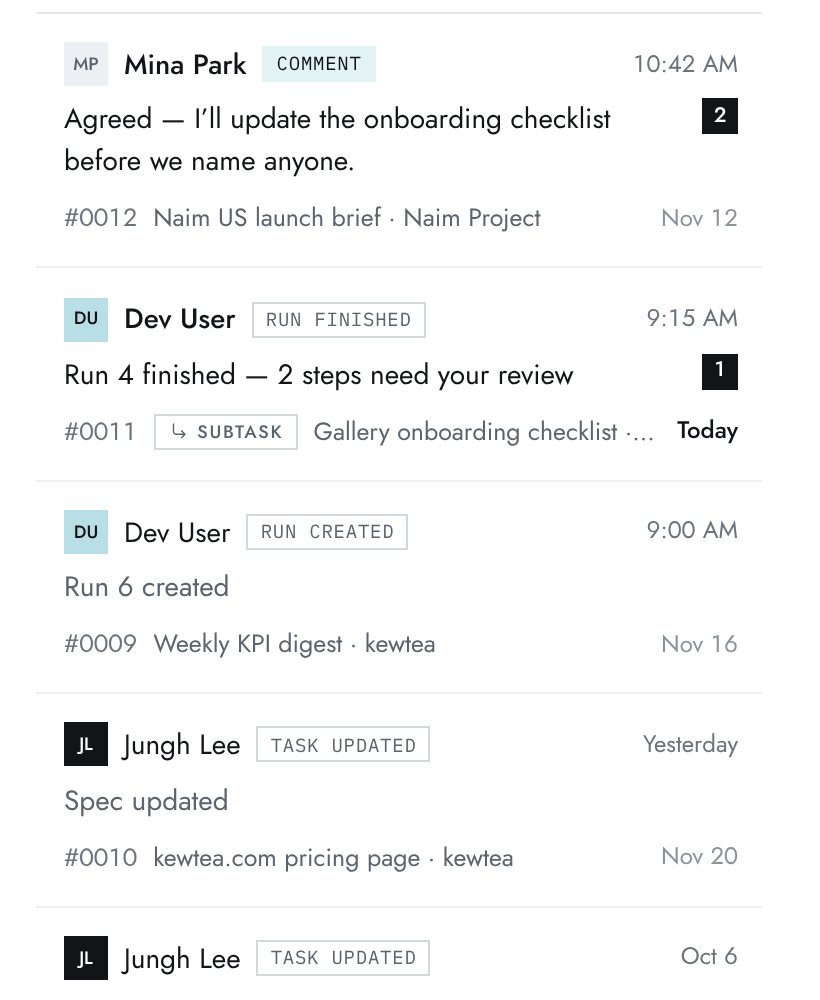
  2. It gathers and drafts, then reports what it did in the task’s activity.
  3. You review. It can only do what its account allows.

In this work

  • A kWorker pulls the numbers from the shared sheet and drafts the report.
  • It posts what it gathered, with sources, so a person checks it before it goes out.
kchloe screen · sample data
kchloe screen · sample data

M2

Keep it in the Library

Live
SolvesP2

How it works

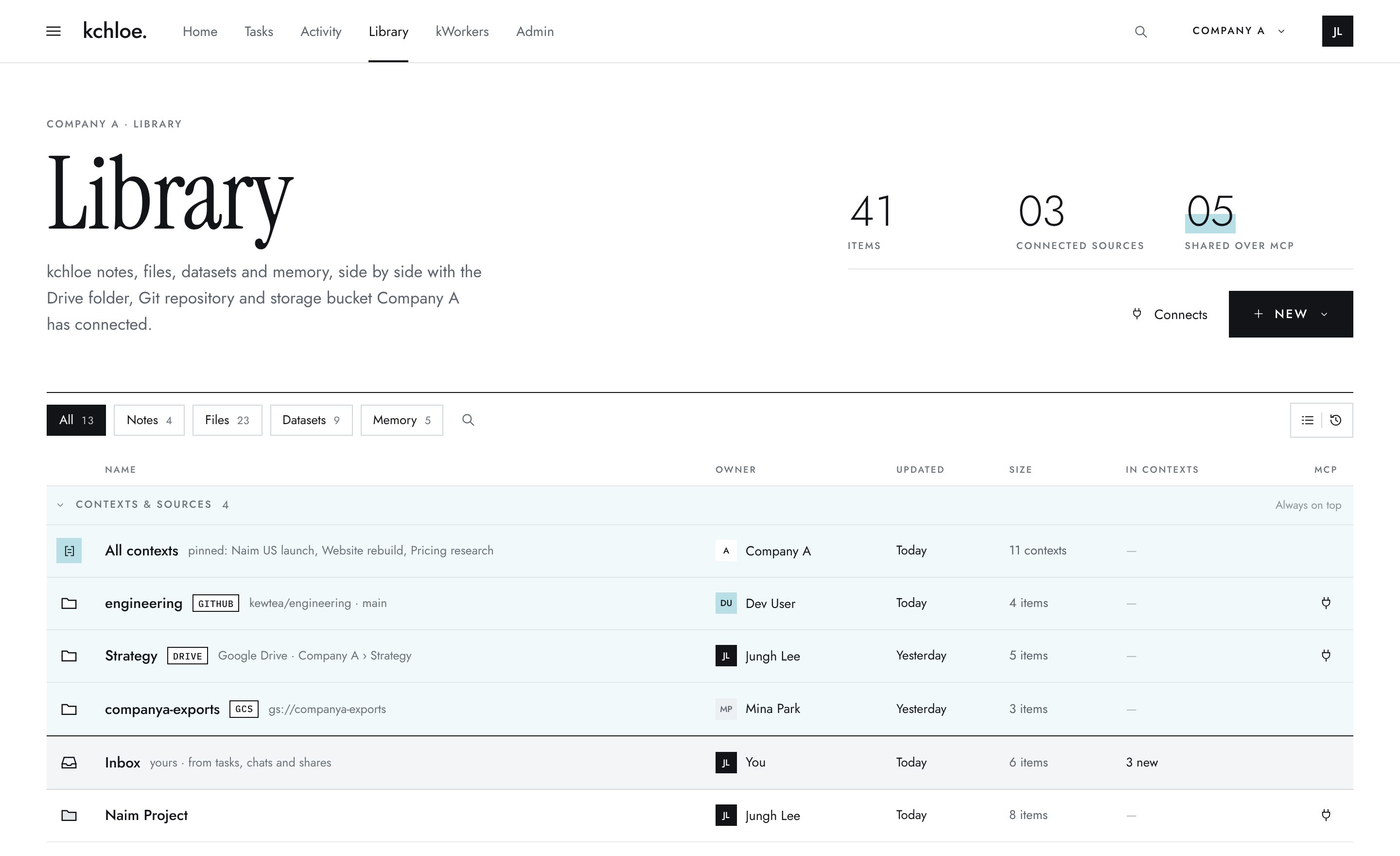
  1. Save what you chose — notes, files, the sources you used.
  2. Gather related items into a context; nothing is moved.
  3. The next task takes that context as its inputs.

In this work

  • Keep one context per client: their brief, data sources, past reports and how they like to read them.
  • Each week’s report takes that context as its inputs.
kchloe screen · sample data

kchloe screen · sample data

M3

Make it a program

Coming soon
SolvesP3

How it works

  1. Bundle the defaults, knowledge, recurring tasks and rubric for this work.
  2. Each cycle runs from the program.
  3. What a cycle teaches updates it — you decide what to keep.

In this work

  • Turn the weekly report into a program: defaults, sources, steps and the client’s rubric.
  • Anyone on the team can run the next cycle from it.
desk.kchloe.co/programsExample
ProgramClient reportingCycle 3
Intelligence defaults

Spec mode, two runs, stop when scores settle.

Knowledge

Each client’s brief, data sources and past reports.

Recurring tasks

Weekly report, monthly review.

Rubrics

Accuracy, clarity, sources cited.

Cycle 1

Started from the team’s own template.

Cycle 2

Rubric: “sources cited” added.

Cycle 3

Default: two runs instead of three.

Coming soon · example

Where else it applies

The same pattern, in nearby work.

Internal monthly report

The same rhythm, for your own team.

Board update

Fewer numbers, more judgment — keep what the board asked.

Project status report

Pulls from tasks you already track in kchloe.

Investor update

Monthly or quarterly — a short and a detailed version.

What to expect

What builds up over time.

1week

A report spec, and one client context with its sources.

13weeks · a quarter

The client’s preferences and frequent questions, written down.

52weeks · a year

A reporting routine anyone on the team can run.

What can change

  • A kWorker’s gathering can be checked before anything is sent.
  • Each client’s way of reading a report can be kept, not remembered.
  • Someone else can run the report when the lead is away.

Results differ from task to task, and we won’t promise them. What we can promise is effort: we’ll keep doing our best to help your work improve.

Start here

Bring this first

You bringData — the shared sheet

Paste it into a quick chat and attach last week’s report. kchloe turns it into a draft spec you can edit.

Pull together next Monday’s client report. Follow last week’s structure, refresh the numbers from the shared sheet, and draft a short and a detailed version.

What people own

  • Check every number against its source before sending.
  • Client-confidential data follows your Library policies.
  • kWorkers gather and draft; a person sends.

Bring one important task. See how far it can go.

Start free. Bring your team when you're ready.